



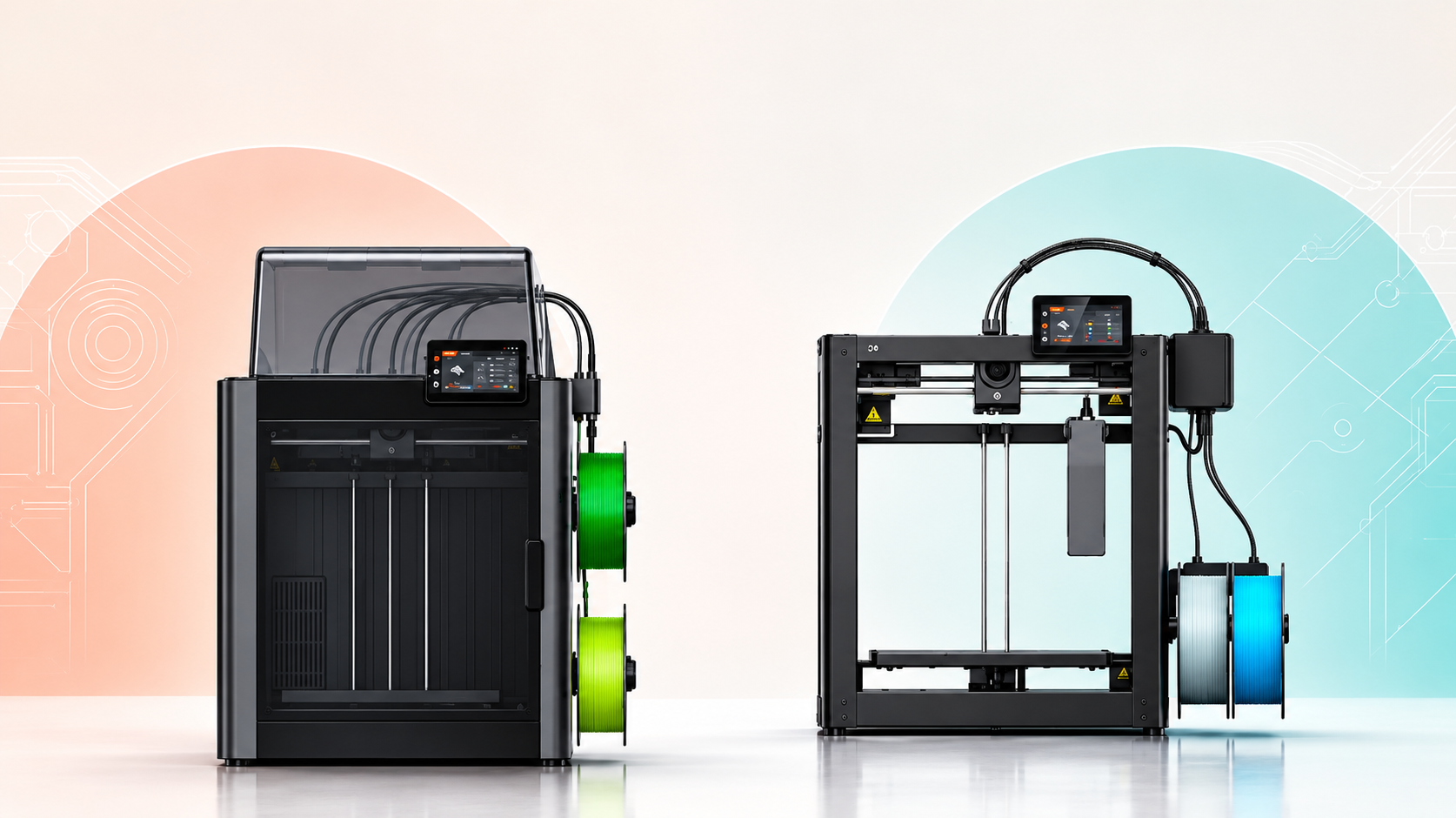
The best 3D printer for schools in India in 2026 is, for most schools, an enclosed FDM (fused deposition modelling) printer with filtered exhaust, a build volume of about 220–256 mm per axis, PLA as the default material, and a vendor who can service it locally for at least two years.
Even today, resin printers are not ideal for schools and I have discussed why so in a further section. Also ideally schools should not opt for open-frame hobby machines and anything that needs ABS. The rest of the choice is budget fit, which for many schools now means the Atal Tinkering Lab (ATL) grant and GeM procurement rules.
I have worked with schools to guide them on which printers to buy along with guiding them on the supporting accessories to purchase.
This guide sets out what matters, what it costs, and a weighted decision matrix that a principal, ATL in-charge or procurement committee can actually use.
Why Choosing a 3D Printer for School Use Is Different
Buying a 3D printer for school use is not the same as buying one for a hobbyist or a product-development studio. Three constraints change the answer:
- The users are children and first-time operators. 3D printers have hot ends that heat up to 200–260 °C, print beds are also heated around 50–100 °C, and gantries move quickly. If kids touch any of these parts they are sure to get hurt.
- The room is mostly not designed for emissions. Classrooms and computer labs are typically closed, air-conditioned spaces with limited fresh-air exchange. 3D printing does give out toxic fumes and so care has to be taken regarding materials, printer and how to operate them.
- Nobody is a full-time technician. The ATL in-charge is usually a science or computer teacher. A printer that needs weekly tinkering to stay calibrated will end up sitting idle in a corner.
So the question is less “which printer prints best?” and more “which printer will still be printing safely in year three with minimal attention?” For a wider view of what students gain once the printer is running, see our piece on the key benefits of 3D printing in education.
Which safety features should rule a school 3D printer in or out?
A school 3D printer should be ruled out unless it has a full enclosure, filtered exhaust, and a thermal runaway protection. Safety is a filter, not a score: it removes options before price, speed or features are even discussed.
Emissions: ultrafine particles and VOCs
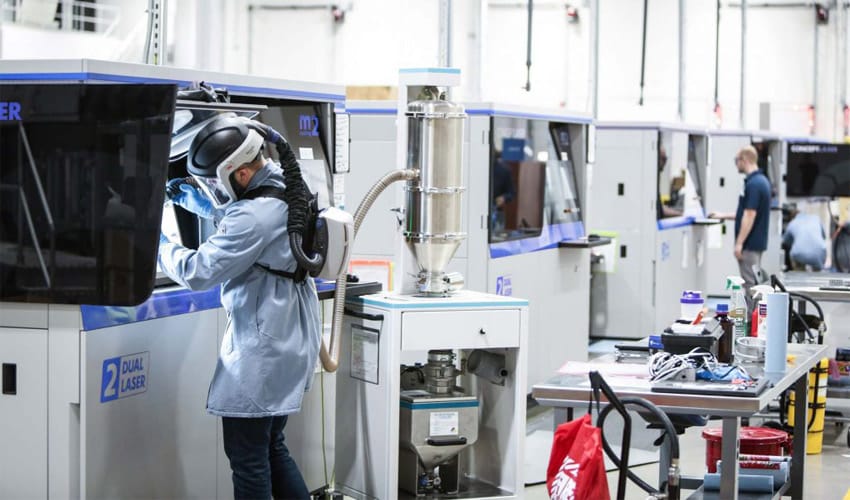
FDM printers release ultrafine particles (UFPs, particles smaller than 0.1 µm) and volatile organic compounds (VOCs, gases given off as the plastic melts). A 2025 NIOSH study of 3D printing in 11 school and university settings, published in the Journal of School Health, found both during printing. It also found printers often placed in rooms not designed for them.
Guidance for safe usage of 3D printing
The best reference for writing your own rules is UL 200B, a guidance document on safe 3D printing published in May 2023 by UL's Chemical Insights Research Institute and CSHEMA. It was written for colleges, and Indian schools are not legally bound by it. But it is the most credible framework available for a school lab safety policy.
Practical rules that follow:
- Enclosure first. A sealed enclosure holds particles at the source and keeps hands away from hot and moving parts.
- Filtration second. Look for activated carbon (for VOCs) and, ideally, HEPA (for particles) on the exhaust. A filtered cabinet added around an open-frame printer is acceptable.
- PLA by default. PLA gives off far fewer particles and VOCs than ABS or ASA. PETG is a fair second material for functional parts. Keep ABS, ASA and nylon for teachers only, and only with filtration.
- Ventilation is not a substitute. A well-ventilated room is not the same as a filtered enclosure.
Mechanical and electrical safety
Check these before you sign the purchase order:
- Ability to lock the enclosure door.
- Thermal runaway protection in the firmware. Reputable brands include it, but get it confirmed in writing.
- A stable power supply. Put a UPS or stabiliser in the purchase. Power cuts mid-print are one of the biggest causes of wasted filament and frustrated students in Indian schools.
Why resin printers usually fail the school test
Resin printers (SLA and MSLA, which cure liquid resin with light) give impressive detail. But the liquid resin can irritate skin, prints must be washed in isopropyl alcohol, and parts need UV curing. That means gloves, eye protection, chemical storage and waste disposal rules most school labs are not set up for. If you want the full comparison, our guide to SLA vs FDM 3D printing explains how the two technologies differ. Keep resin for senior-secondary electives under direct teacher supervision, if at all.
How do you budget for a 3D printer with the Atal Tinkering Lab grant?
Under the Atal Tinkering Lab scheme, an approved school receives ₹20 lakh over five years: about ₹10 lakh for setting up the lab and ₹2 lakh a year for running it. The printer must be bought on GeM, so a tight written specification matters more than brand preference.
How the ATL grant is structured
The table below summarises the grant as described in Atal Innovation Mission (AIM) documents, as of October 2026:
| Component | Amount | Notes |
|---|---|---|
| Total grant per lab | ₹20 lakh | Spread over five years |
| One-time establishment | Up to ₹10 lakh | Equipment, set-up, furniture |
| Operations and maintenance | ₹2 lakh per year × 5 years | Consumables, maintenance, mentoring, events |
| Equipment package cap (P1–P4) | ₹7 lakh | Vendor's total quote across all four packages |
| Set-up deadline | 3 months | Lab must be running within 3 months of receiving funds |
Sources: AIM ATL FAQ and AIM Procurement Guidelines. The 3D printer sits in package P2, rapid prototyping tools.
The Union Budget 2025–26 announced 50,000 new ATLs in government schools over five years in its press release in Feb 2025. So the number of printers being bought, and the competition between vendors, is rising.
GeM procurement rules that affect your printer choice
AIM's procurement guidelines make three points that shape which printer you end up with:
- GeM is mandatory. ATL equipment must be bought through the Government e-Marketplace.
- L1 is the default. Schools are expected to order at the lowest qualifying quote. If your spec only says "FDM printer", the cheapest open-frame machine will win. If it says "enclosed FDM printer with filtered exhaust, auto bed levelling and filament run-out detection", only safe options qualify.
- Support is part of the price. Vendors must include installation, training for the principal and ATL in-charge, a two-year comprehensive warranty that explicitly covers 3D printers, and a three-year AMC (annual maintenance contract).
Recommendation: write the safety features into the GeM specification. It is the only reliable way to stop L1 buying from pushing your lab towards the least suitable machine.
What does a school 3D printer cost to run each year?
A single school 3D printer in an active lab costs roughly ₹30,000–40,000 a year to run, once you add filament, spare parts, filters, power and UPS upkeep. That is 15–20% of the ₹2 lakh ATL operations grant.
Here are indicative yearly costs for one printer in an active lab, as of October 2026:
| Cost line | Indicative annual cost | Comment |
|---|---|---|
| PLA filament (1 kg spools) | ₹15,000-18,000 | Roughly 25-30 spools for an active lab. Typical filament price is Rs.600/kg |
| PETG/TPU for functional projects | ₹3,000 | Considering upto 5 spools max at Rs.600/kg |
| Spare nozzles, build plates, PTFE tubes | ₹3,000–8,000 | Build plates wear quickly with student use |
| Filter replacements (carbon/HEPA) | ₹2,000 | Higher estimate for a spare filter replacement |
| Electricity | ₹2,000–5,000 | Enclosed FDM printers draw modest power |
| UPS battery service | ₹2,500–3,000 | A typical 650VA–350W battery for a desktop printer is sufficient |
These ranges are estimates, not quotes, and so can be negotiated during the purchase and are need based so the estimate might also go high if the printer is not operated properly and faces frequent breakage and replacement parts.
I learned the cost lesson the hard way with my early printers. One of the printer I opted to go for was a custom-made 3D printer that I thought I'm getting cheaper compared to established brands. But upon using it, I found out that it required frequent repairs, maintenance, calibration and ultimately it started costing me quite high. I have bought it for Rs. 2.13 Lakhs (yes even small made-in-India desktop 3D printers we costly in 2016) but with frequent repairs, I myself started to diagnose and repair my printer.
Initially what looked like a bargain, but it became expensive as I kept replacing worn parts and upgrading components just to make it reliable. Schools run into the same trap with cheap machines, only with less time to fix them. Some schools are actually not looking at the learning and teaching part, but want to showcase that they have an ATL lab, have 3D printers and such schools will surely buy the cheapest printer and not care if they work or not. It becomes a showpiece and they don't care, but if you are a school that really wants the printers to work and students to learn then don't make the buying mistakes I'm outlining.
Our checklist of ways to avoid 3D printer downtime covers the routine care that keeps these costs down.
How much is a 3D printer for school?
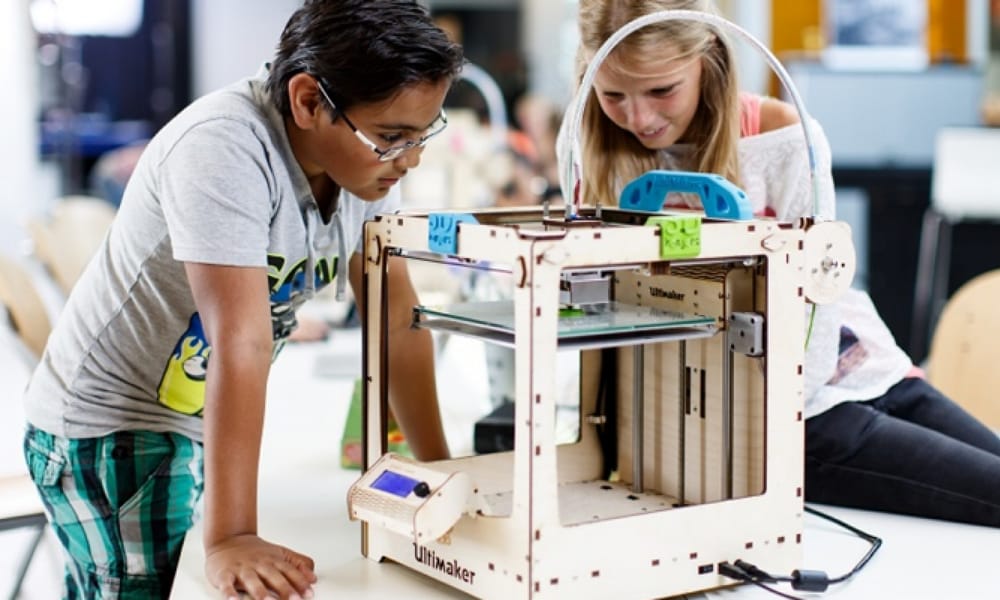
A safe classroom 3D printer in India costs about ₹1.1–1.4 lakh for an enclosed CoreXY FDM machine, as of October 2026. Open-frame printers start near ₹20,000, but they need a separate filtered enclosure before they belong in a classroom.
Indian prices move with import duty, exchange rates and sales channel. Treat these as market bands, as of October 2026, not quotes:
| Category | Indicative India price | Fit for schools |
|---|---|---|
| Entry open-frame FDM (bed-slinger, e.g. Creality Ender 3 models, Anycubic Kobra models) | ₹20,000–40,000 | Primary/middle school demos only, with a filtered cabinet |
| Mid-range open-frame FDM (e.g. Bambu Lab A1 class) | ₹60,000–80,000 | Good prints; needs a separate enclosure for classroom use |
| Enclosed CoreXY FDM (e.g. Bambu Lab P1S class, Make3D Desktop 3D printer) | ₹1.1–1.4 lakh | Sweet spot for most ATLs and secondary schools |
| Premium enclosed FDM with advanced filtration (e.g. X1 Carbon class) | ₹1.6–1.9 lakh | Senior-secondary labs printing engineering materials |
| Desktop resin (MSLA) | ₹25,000–1 lakh+ | Supervised electives only |
| Desktop SLS / industrial systems | ₹10 lakh+ | Not suitable for school budgets |
Bambu Lab price bands come from Indian reseller listings. Check current GeM listings before you budget.
Most "3D printer cost in India" results quote the cheapest open-frame machines. For a school, budget for the enclosed tier. The extra ₹40,000–70,000 buys the safety margin you need when students are in the room. Before you compare models, our list of features to check before buying an FDM 3D printer helps you read spec sheets with a sharper eye.
I had already made the buying cheap printer mistake and this mistake went a long way in showing me how I made a mistake. The printer used to suddenly stop working, prints were not consistent and reliable, the material compatibility was bad. I lost so many hours just repairing my printer rather than serving orders. But I realised that the printer was never designed to match my expectations.
I feel, that a school committee that picks on sticker price makes the same mistake, and the students pay for it in failed prints.
What kind of 3D printer is available in a tinkering lab?
Most Atal Tinkering Labs set up in earlier years received one or two open-frame FDM printers in the ₹20,000–40,000 band, running PLA. They work, but they are the set-up classroom studies flag as highest risk, and many sit idle because of bed-levelling and clogging problems. Most of these printers were cheap quality printers and stopped working in just a few months.
If your school already has one of these, three low-cost upgrades fix most problems:
- Add a fire-retardant enclosure with a carbon/HEPA exhaust filter.
- Retrofit auto bed levelling, or swap the build plate for a textured PEI sheet.
- Stick to one brand of PLA and store it in sealed boxes with desiccant. India's humidity spoils filament quickly.
For new labs being set up under the 50,000-lab expansion, specify an enclosed printer from day one.
What is the best 3D printer for schools? The decision matrix
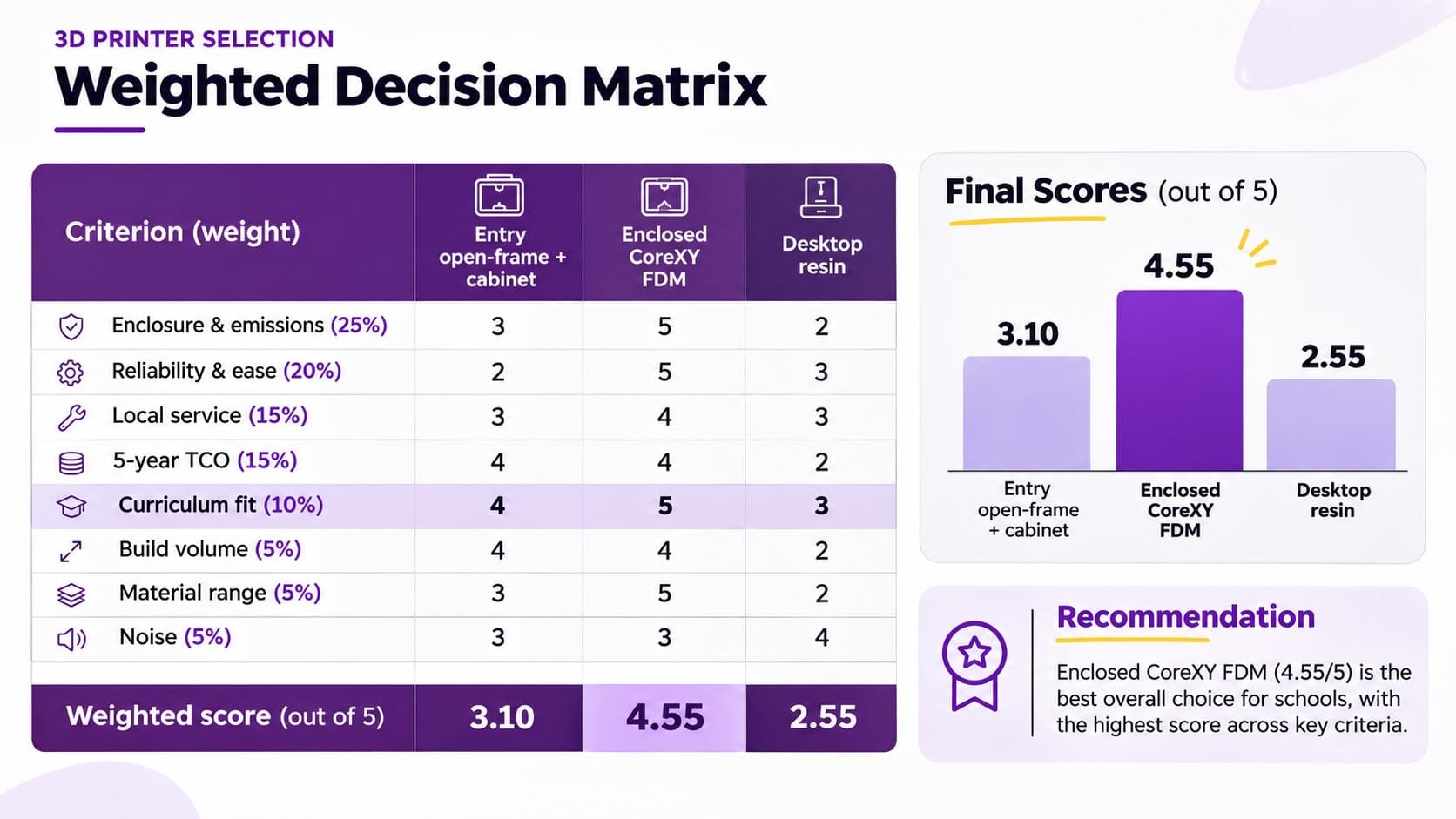
There is no single best 3D printer for schools; there is a best fit for your students' age, your budget and your staff's time. Score each shortlisted printer from 1 to 5 on the weighted criteria below, multiply by the weight, and pick the highest total.
Weighted criteria
Use these weights unless your school has a clear reason to change them:
| Criterion | Weight | What a "5" looks like |
|---|---|---|
| Enclosure and emissions control | 25% | Fully enclosed, door interlock or pause, carbon + HEPA filtration |
| Reliability and ease of use | 20% | Auto levelling, run-out sensor, power-loss recovery, little calibration |
| Local service and spares | 15% | Authorised Indian service partner, spares stocked in India, GeM-listed |
| Total cost of ownership (5 years) | 15% | Low-cost consumables, standard 1.75 mm filament, no lock-in |
| Curriculum and software fit | 10% | Free slicer, works with Tinkercad/Fusion exports, fleet management |
| Build volume | 5% | About 220–256 mm per axis is plenty for student projects |
| Material range | 5% | PLA, PETG, TPU; engineering filaments optional |
| Noise | 5% | Quiet enough to run during lessons (under about 50 dB) |
Example scoring
This worked example compares three printer categories using the weights above:
| Criterion (weight) | Entry open-frame + cabinet | Enclosed CoreXY FDM | Desktop resin |
|---|---|---|---|
| Enclosure & emissions (25%) | 3 | 5 | 2 |
| Reliability & ease (20%) | 2 | 5 | 3 |
| Local service (15%) | 3 | 4 | 3 |
| 5-year TCO (15%) | 4 | 4 | 2 |
| Curriculum fit (10%) | 4 | 5 | 3 |
| Build volume (5%) | 4 | 4 | 2 |
| Material range (5%) | 3 | 5 | 2 |
| Noise (5%) | 3 | 3 | 4 |
| Weighted score (out of 5) | 3.10 | 4.55 | 2.55 |
The enclosed FDM category wins clearly for general school use. The open-frame option only makes sense when budget is the hard limit and a filtered enclosure is bought with it.
Matching the printer to the school stage
Match the set-up to who will actually use it:
| School stage | Recommended set-up | Why |
|---|---|---|
| Primary (Classes 1–5) | Teacher-operated enclosed FDM; students design in Tinkercad | Children learn design; adults run the machine |
| Middle (Classes 6–8) | One enclosed FDM per lab, supervised student operation | Core ATL age group; PLA only |
| Secondary (Classes 9–10) | 1–2 enclosed FDM printers; PETG introduced | Functional prototypes for competitions |
| Senior secondary (Classes 11–12) | Enclosed FDM fleet; optional supervised resin | Engineering-grade projects, competition entries |
Are there grants for 3D printers for schools beyond ATL?
Yes. Schools that do not qualify for ATL commonly fund 3D printers through CSR budgets of local companies, state STEM and Samagra Shiksha funds, alumni or parent-teacher funds, and vendor lab-in-a-box programmes. The same rule applies to every route: write safety into the purchase document.
The main routes Indian schools use:
- CSR funding from local manufacturers under Schedule VII (education), which often comes with industry mentors.
- State STEM and Samagra Shiksha ICT allocations, which vary by state.
- Alumni and parent-teacher association funding, mainly for private schools.
- Vendor lab-in-a-box programmes, which bundle hardware, curriculum and training. They help, but check the five-year consumables pricing before you sign.
- Industry-Supported Training Models: I have come across several off-the-radar deals where schools partner with 3D printing brands to get 1–2 printers without paying upfront. Instead, they encourage students to enrol in paid 3D printing courses, and the fees collected help cover the cost of the printers. This also gives brands an assured student base for their training programmes. I'm not saying this is bad or wrong; it's simply another way businesses have found to make the arrangement work. In effect, students indirectly pay for the printers. Although I have seen this model in engineering institutes where the capacity to pay is higher than in schools.
When is an enclosed FDM printer the wrong choice?
An enclosed FDM printer is the wrong choice when the school has no budget left for filament and filters, no safe spot to install it, or students who need fine-detail models only resin can deliver. In those cases, outsource prints or wait.
The trade-offs you should expect:
- Speed vs supervision. Modern CoreXY printers are fast. That shortens queues, but it means more prints run while students are present. Enclosure matters more, not less.
- Closed ecosystems vs flexibility. Some brands work best with their own filament and cloud slicer. Check the printer runs offline, because school networks often block cloud services, and that third-party filament works.
- One good printer vs two cheap ones. Two cheap printers double output on paper. In practice, one is usually down for repair, so one reliable enclosed printer often delivers more finished student work.
- Multi-colour add-ons. Great for engagement, but they add purge waste and more moving parts. Treat them as a year-two upgrade.
If a lab cannot ring-fence a running budget, sending a few student projects a term to a print service may serve learning better than a printer that stands idle.
What should your school do next?
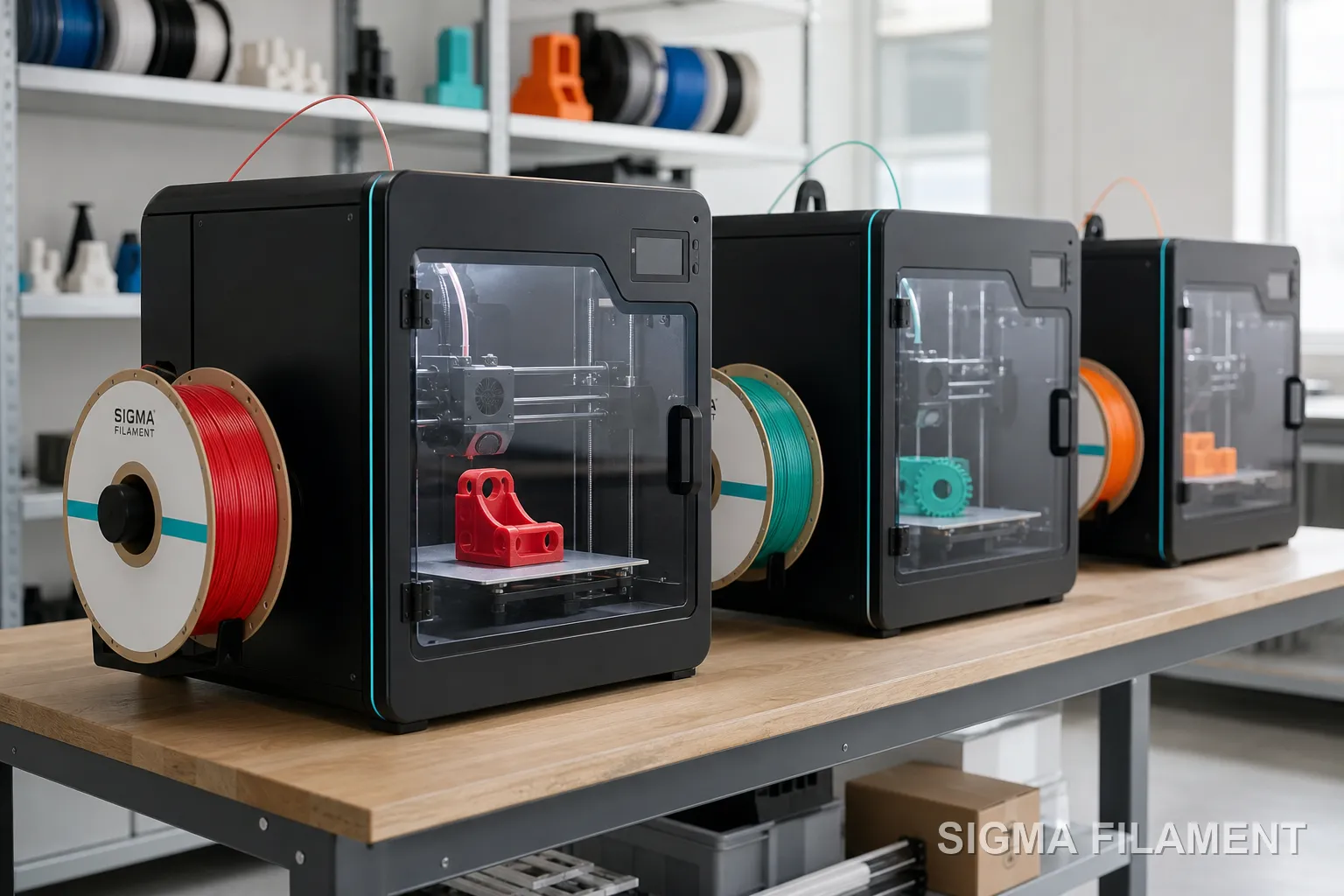
Your next step is to turn the decision matrix into a written GeM specification and a one-page lab safety policy before you request any quote. That keeps L1 buying from deciding your printer for you.
Run through this checklist with your procurement committee:
- Is the printer fully enclosed, or is a filtered enclosure part of the order?
- Does the specification name carbon and/or HEPA filtration?
- Is there an authorised service partner nearby, with spares stocked in India?
- Does the GeM listing include installation, teacher training, a two-year warranty and a three-year AMC?
- Does it run on standard 1.75 mm filament from several suppliers?
- Can it print offline via SD card or LAN?
- Is a UPS or stabiliser included?
- Has a written lab safety policy (allowed materials, supervision rules, filter schedule) been drafted using UL 200B as a reference?
- Is the year-one consumables budget set aside from the operations grant?
In 2026, this points firmly to enclosed, filtered FDM printers in the ₹1–1.4 lakh band, running PLA by default. Budget for five years of consumables, not just the sticker price.
FAQs: 3D printers for schools
Is PLA filament safe to print in a classroom?
PLA filament is the lowest-emission common 3D printing material, which is why most school labs use it by default. It still releases some ultrafine particles and VOCs while printing, so PLA is safest inside an enclosed printer with carbon and HEPA filtration. Students should not lean over a running printer, and the room should have a smoke detector and some fresh-air exchange.
What software do students need to design for a school 3D printer?
Students can start with Tinkercad, a free browser-based design tool from Autodesk, which suits Classes 3 to 8. Older students can move to Fusion, which offers free education licences. Designs are exported as STL or 3MF files and prepared in the printer's slicer. Check that the slicer works offline, because many school networks block cloud services.
How many 3D printers does a school lab need?
One enclosed 3D printer is enough for most school labs in the first year, as long as print jobs are short and queued fairly. A second printer makes sense when students regularly wait more than a week for prints, or when competitions create deadline pressure. Adding a second machine also doubles filament, filter and maintenance costs.
Who should operate the 3D printer in a school?
In primary classes, a teacher should load filament, start prints and remove parts, while students handle design. From Class 6 onwards, trained students can run prints under supervision. A written rota naming who may change materials, clear jams and replace filters helps a school 3D printer stay safe and working when the ATL in-charge is away.


Discussion